How AI Is Changing the Way People Create and Edit Videos Online
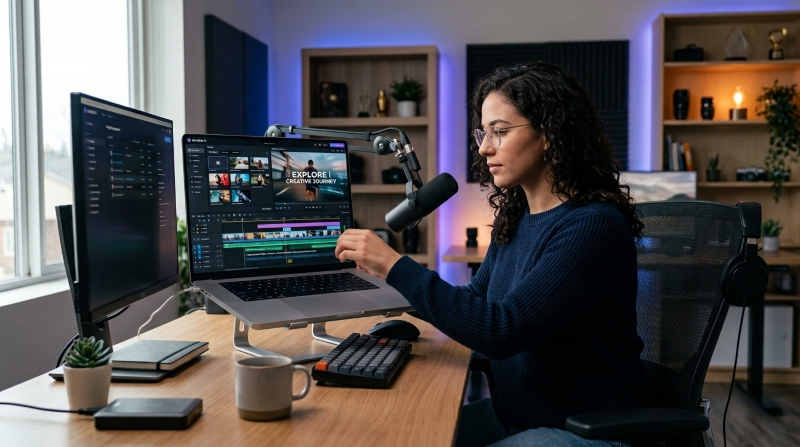
Video editing has traditionally required patience, technical knowledge, and a good understanding of editing software. Even a short social media video can involve reviewing dozens of clips, choosing the best moments, cutting unwanted footage, adding captions, adjusting audio, and preparing the final video for different platforms.
Artificial intelligence is changing that process. Instead of completing every editing task manually, creators can now describe what they want in natural language and use AI-assisted tools to organize footage, plan scenes, create rough cuts, and speed up repetitive work.
This does not mean that human creativity is becoming unnecessary. Instead, AI can help creators spend less time on routine editing and more time deciding what their video should communicate.
Table of Contents
- 1 What Is AI-Assisted Video Editing?
- 2 Why Natural-Language Editing Matters
- 3 From Raw Footage to an Editable First Cut
- 4 AI Can Reduce Repetitive Editing Work
- 5 Captions and Accessibility
- 6 AI and Video Templates
- 7 Who Can Benefit from AI Video Editing?
- 8 AI Does Not Replace Creative Judgment
- 9 A Better Workflow for Modern Creators
- 10 What the Future May Look Like
- 11 Final Thoughts
What Is AI-Assisted Video Editing?
AI-assisted video editing uses artificial intelligence to help with different parts of the production process. Depending on the tool, this can include analyzing uploaded footage, identifying useful scenes, generating captions, organizing clips, suggesting templates, or preparing an initial video structure.
The biggest difference is how people interact with the software. Traditional editing often requires users to find a specific button or manually move clips around a timeline. AI-assisted workflows can allow creators to explain their goal using ordinary language.
For example, a creator could describe a 30-second social video and specify the important moments, preferred pacing, target format, and type of audience. The AI can then help turn those instructions into a starting point for the editing process.
Why Natural-Language Editing Matters
One of the most interesting developments in AI video production is the ability to communicate editing instructions conversationally. This makes video editing more accessible by allowing creators to describe what they want without relying entirely on traditional editing commands.
Instead of thinking about technical commands, creators can focus on the result they want. They might ask for unnecessary pauses to be removed, the strongest moments to be placed near the beginning, or a video to be prepared for a vertical format.
This approach can be especially useful for beginners. Someone who has never worked with a complicated timeline can still explain an idea without first learning every editing function.
It can also benefit experienced creators who work with large amounts of footage. When repetitive preparation takes less time, more attention can be given to storytelling, pacing, branding, and final quality.
From Raw Footage to an Editable First Cut
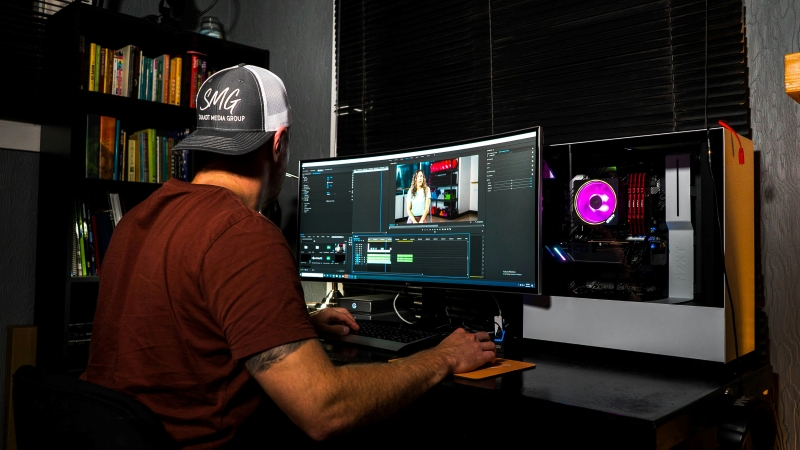
One practical use of AI is turning a collection of raw clips into an initial edit. CapCut × Codex, for example, allows creators to provide video clips and describe how they want those clips organized. Its workflow can help review footage, identify useful moments, remove unwanted sections, arrange clips, and prepare an editable rough cut in CapCut.
Creators looking for a ChatGPT video editor online can explore this type of AI-assisted workflow to understand how natural-language instructions can connect with a dedicated video-editing environment.
The important point is that the first cut is not necessarily the finished video. An editable draft gives the creator a starting structure that can be reviewed and changed before publication.
AI Can Reduce Repetitive Editing Work
Many editing tasks are important but repetitive. Cutting dead space, preparing captions, organizing clips, and adapting a video to different formats can consume considerable time when performed manually.
AI can assist with these steps while leaving creative decisions to the person making the video.
For example, a creator might record a ten-minute explanation but only need a short social media version. An AI-assisted workflow can help identify useful sections and create a rough structure. The creator can then review the result and decide which moments actually belong in the final version.
This combination of automation and human review is often more practical than expecting AI to produce a perfect video without supervision.
Captions and Accessibility
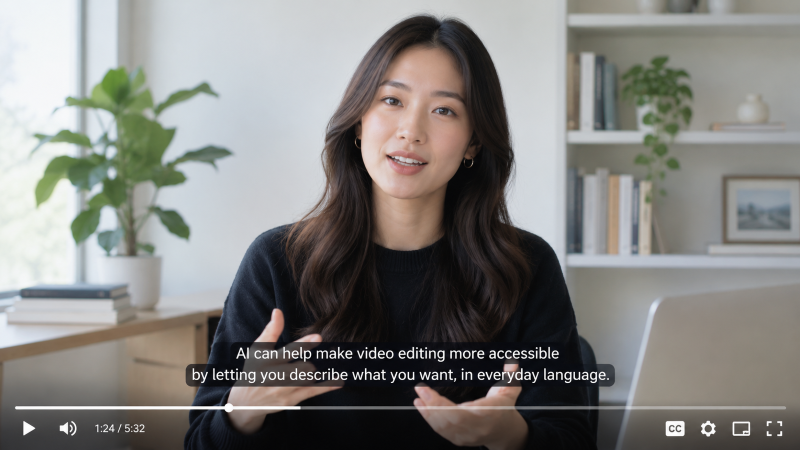
Captions have become an important part of online video. Many viewers watch videos without sound, while captions can also make content easier to understand for people with hearing difficulties or viewers who speak another language.
AI can help prepare caption text and organize it for video editing. Some workflows can also support different language versions or help creators prepare captions for different publishing formats.
However, automatic captions should always be reviewed. Names, technical terms, unusual phrases, and background speech can sometimes be interpreted incorrectly. A quick human review can prevent small errors from appearing in the published video.
AI and Video Templates
Templates can also make video editing and video creation faster. Rather than beginning with an empty timeline, creators can start with a structure that already includes elements such as transitions, text placement, timing, or visual arrangements.
AI-assisted workflows can help match existing footage with appropriate templates based on the type of content and desired style. CapCut × Codex describes this as one way to organize existing footage and accelerate the early stages of production.
Templates are particularly useful for creators producing content regularly. A consistent structure can save time while still allowing users to replace footage, change captions, adjust timing, and personalize the final result.
Who Can Benefit from AI Video Editing?
AI-assisted video editing is not limited to professional filmmakers.
Social Media Creators
Creators producing TikTok videos, Instagram Reels, YouTube Shorts, or other short-form content often need to publish frequently. Faster editing can make it easier to maintain a consistent schedule.
Small Businesses
Small businesses may not have a dedicated video production team. AI-assisted video editing can help employees create product demonstrations, announcements, tutorials, and promotional videos without requiring advanced editing skills.
Marketing Teams
Marketing teams often need multiple versions of the same campaign. A single video may need different lengths, aspect ratios, captions, or messaging for different platforms. AI can help reduce some of the repetitive preparation of the whole video editing process involved.
Beginners
People who are new to video editing can benefit from having an initial structure rather than facing a completely empty timeline. AI guidance can make the learning process less intimidating.
AI Does Not Replace Creative Judgment
Despite the rapid development of AI video editing tools, human judgment remains important.
An AI system may identify technically useful clips, but it does not always understand the full context behind a story. The funniest moment may not be the most relevant moment. A visually impressive shot may not fit the message. A perfectly timed transition may still feel wrong for the audience.
That is why an AI-generated or AI-assisted draft should be treated as a starting point.
Creators should review the sequence, check captions, listen to the audio, verify visual information, and make sure the final video communicates the intended message.
A Better Workflow for Modern Creators
A practical AI-assisted video editing workflow can be divided into several stages:
- Define the goal: Decide what the video should achieve and who will watch it.
- Prepare the footage: Collect the clips, images, audio, and other assets you are authorized to use.
- Describe the edit: Explain the desired structure, pacing, duration, and format in clear language.
- Create a rough cut: Let the AI-assisted workflow organize the available material into an editable starting point.
- Review everything: Check clip selection, timing, captions, audio, and visual consistency.
- Add creative details: Adjust transitions, text, music, effects, and branding where necessary.
- Export the final version: Prepare the correct resolution and aspect ratio for the intended platform.
This approach combines the speed of automation with the quality control of human editing.
What the Future May Look Like
AI video editing is moving toward more connected workflows where planning, media organization, editing, and refinement can happen with fewer manual steps.
Instead of simply generating a video from a sentence, future tools are likely to focus more heavily on understanding existing footage and helping creators transform it into useful content.
The most valuable systems will not necessarily be the ones that automate everything. They will be the ones that give creators useful control while removing tedious work.
For now, the best approach is to see AI as an assistant rather than a replacement for creativity. Use it to organize footage, create drafts, prepare captions, and handle repetitive tasks, then use human judgment to make the final video worth watching.
Final Thoughts
AI is making video editing more accessible by reducing the technical barriers between an idea and an editable video. Natural-language instructions, automated footage analysis, templates, captions, and rough-cut generation can all shorten the path from raw footage to a finished project.
However, a good video still depends on storytelling and judgment. The strongest workflow combines AI assistance with human creativity. When creators use automation for repetitive tasks and reserve their time for important creative decisions, video production can become faster without becoming less personal.
Explore our blog for more inspirations and insights here.