
GPS Tracker for Kids: What to Look For and How It Works
Table of Contents
GPS Tracker for Kids: A Parent’s Guide
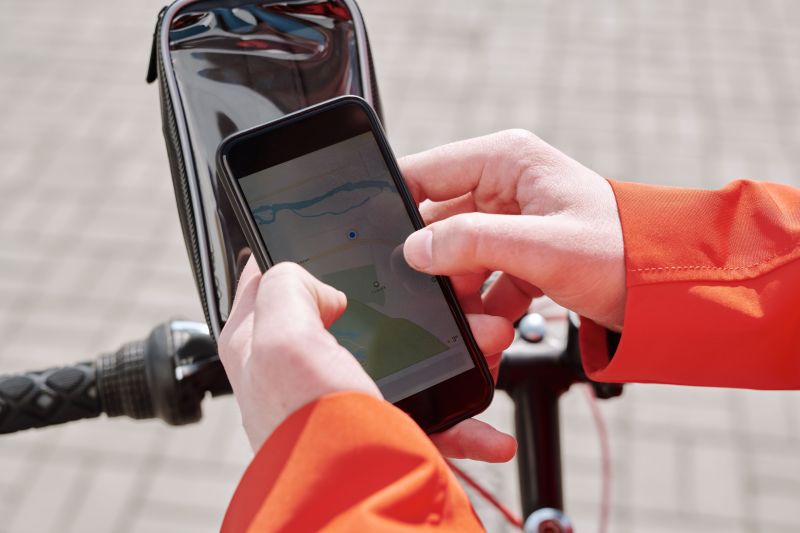
Your nine-year-old steps off the school bus two blocks from home and walks the rest of the way. It’s a short walk. You’ve done it together a dozen times. But the first afternoon she does it alone, you find yourself at the window, phone in hand, doing the math on how long it should take. That stretch — between “she got off the bus” and “she’s through the door” — is the exact gap a GPS tracker for kids is built to close.
When parents start shopping, most picture a gadget: a little puck that clips to a backpack. That’s one option. But if your child already carries a phone, you may not need a second device at all. An app like Findmykids turns that phone into a tracker. You open the map, see where she is right now, and scroll back through her route for the day if you want to.
A Dedicated Device or an App?
Both work. The right call depends on your child. A standalone GPS tracker gadget is a separate thing to charge, carry, and replace, and most of the basic ones do a single job — location. A phone your child already owns is always on them and already charged overnight, and an app can stack alerts and an SOS button on top of plain location. For older kids who carry a phone, the app is usually the simpler path. For younger kids without one, a dedicated device makes more sense — more on that below.
What to Look For in a Kid’s GPS Tracker
A few things separate a tracker you’ll lean on from one you forget you installed:
- Live location you can check at a glance, without a long lag
- Alerts that come to you — arrivals and departures — instead of a map you refresh all afternoon
- A fast way for your child to reach you when something feels off
- A warning before the battery dies, because a dead tracker tells you nothing
Findmykids is built around that list. You mark the places that matter — home, school, a grandparent’s house — and it pings you when your child arrives or leaves. No more checking every ten minutes; you get a quiet “arrived at school” around 8:15 and go back to your coffee. Take a different route than usual? You hear about that, too.
The rest follows the same logic. One tap on the SOS button sends you an alert with your child’s location. If her phone is buried in a backpack on silent, a loud signal rings through anyway — handy when an ordinary call would slide right past her. And when the battery runs low, you find out before the screen goes dark, which is often the difference between a blank map and a quick “where are you?”
When Your Child Does Not Have a Phone Yet
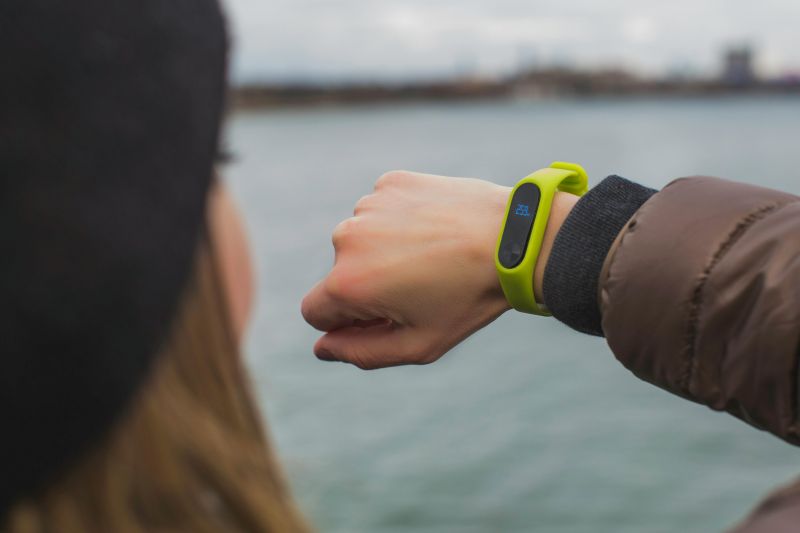
Not every seven-year-old is ready for a smartphone, and there’s no rush. For younger kids, Findmykids also pairs with a GPS watch — a standalone device on the wrist that shows location and lets your child reach you, no phone required. It’s often the easiest first step: a real tracker your child can wear to school before you hand over anything with a screen full of apps.
It’s About Knowing, Not Hovering
A GPS tracker for kids isn’t there so you can watch every step. It’s there so “did she get there?” takes two seconds instead of an anxious half hour. With family circles, both parents — or whoever’s on pickup that day — see the same map, so keeping everyone in the loop doesn’t land on one person.
Getting set up is quick, and the core features cost nothing. You’ll find Findmykids on the App Store and Google Play, and you can try it with a phone your child already carries. If you’re comparing trackers and want the simplest place to start, that’s it: no extra gadget, just the map, the alerts, and a calmer afternoon.
Do I have to buy a separate GPS tracker device? Only if your child doesn’t have a phone. If they do, the app uses it. If they don’t, the GPS watch is the standalone option.
Does GPS tracker work if our phones are different brands? Yes. The location features work whether your child is on an iPhone or an Android — and the same goes for your phone.
Can a second parent or a grandparent see it too? Yes. Family circles let several people share one map, so school pickup and after-practice runs don’t fall on a single person.
Read our blog for more information, insight, and inspiration.


